Namespace
Channel namespaces provide a powerful way to organize and isolate communication streams within your application. Think of namespaces as folders that help you categorize channels logically, enabling better organization and access control.
Namesapces are extension of the parent channel which acts as a searate channel in itself.
Namespaces use the colon (:) separator to create hierarchical channel names:
parent-channel:namespace1
In this example, parent-channel is the main channel, and namespace1 is a sub-channel or namespace under it. You can have multiple namespaces under the same parent channel.
Enabling auto creation of namespace
Auo-creation of namespace is disabled by default. which means while subscribing to channel, namespace subscription cannot done by ADK methods. Either namespace should be created manually under the desired channel or enable auto-creation of namespace under application settings.
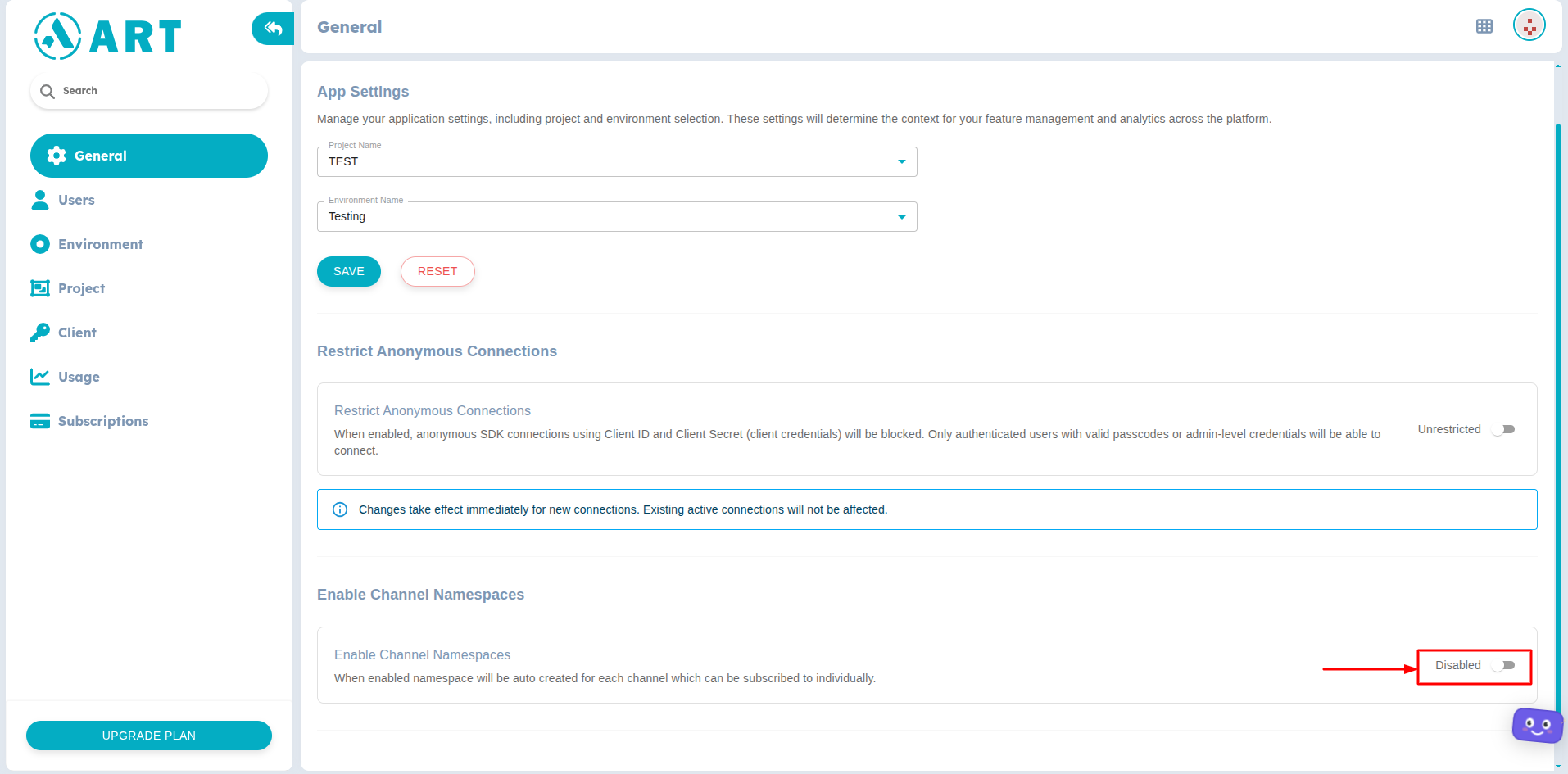
Enable namespace creation
Creating namespace for a channel
Namespace can be created under the Namespace tab for desired channel.
- Navigate to Channels.
- Select the channel for which you want to create a namespace.
- Click on the Namespace tab.
- Click on the Create Namespace button.
- Provide a name for the namespace and click Create.

Create namespace
- The newly created namespace will now be listed under the channel's namespaces.
Since Namespace is considered as one more channel, it adds to the total allowed channel count for your license. Be careful about the mindful usage. Learn more about the usage limit for each license from here