Create ART account
To get started with your ART account, the first step is to create an account on the ART platform. You can do this by visiting the ART Sign-Up Page and following the registration process. Here's what you need to do to complete the registration.
- Sign-up using your First name, Last name and Email
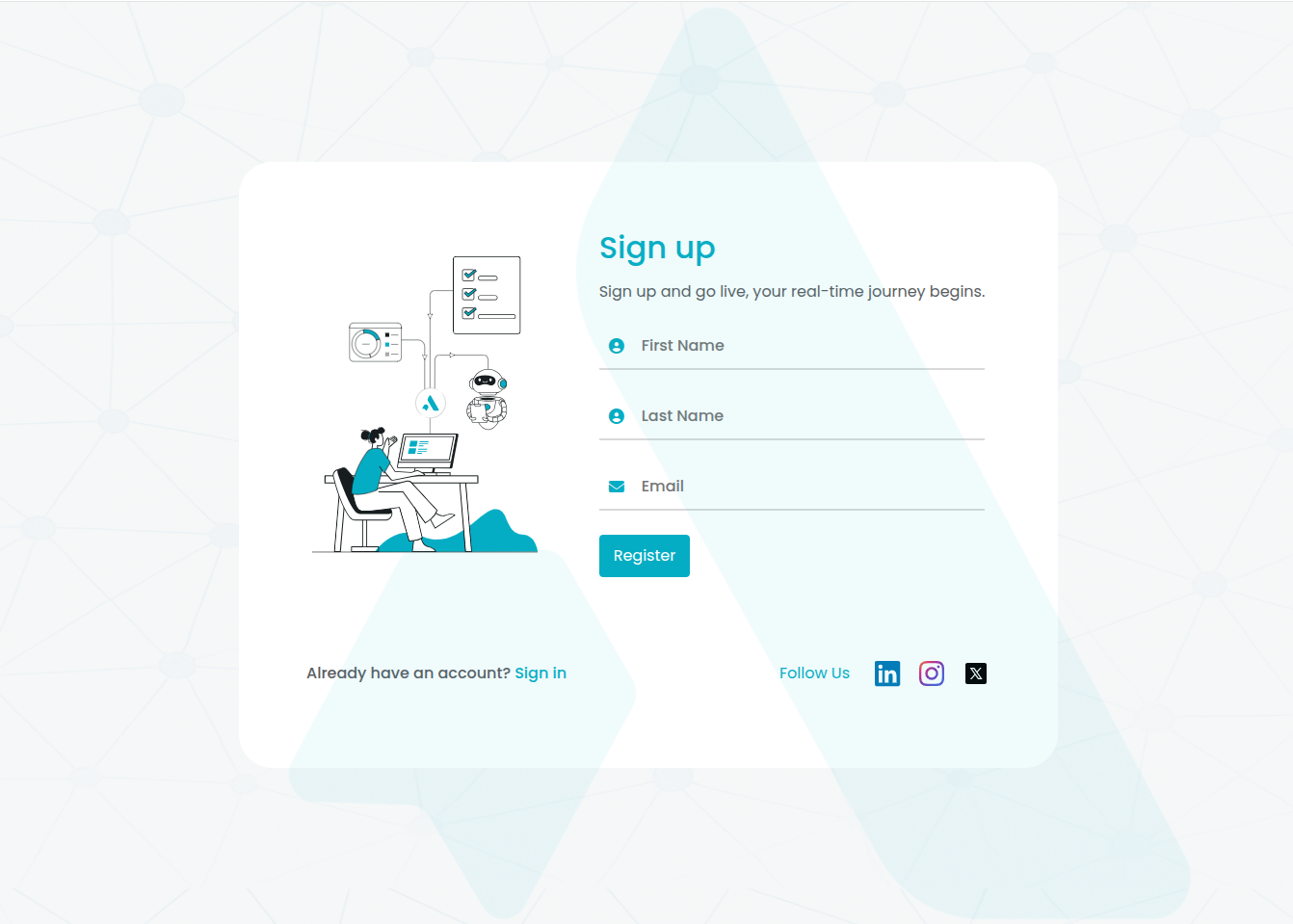
Sign-up page
- Verify your email address by clicking on the verification link sent to your email.
- Set a password for your account.
- Create a Workspace to organize all your future projects.
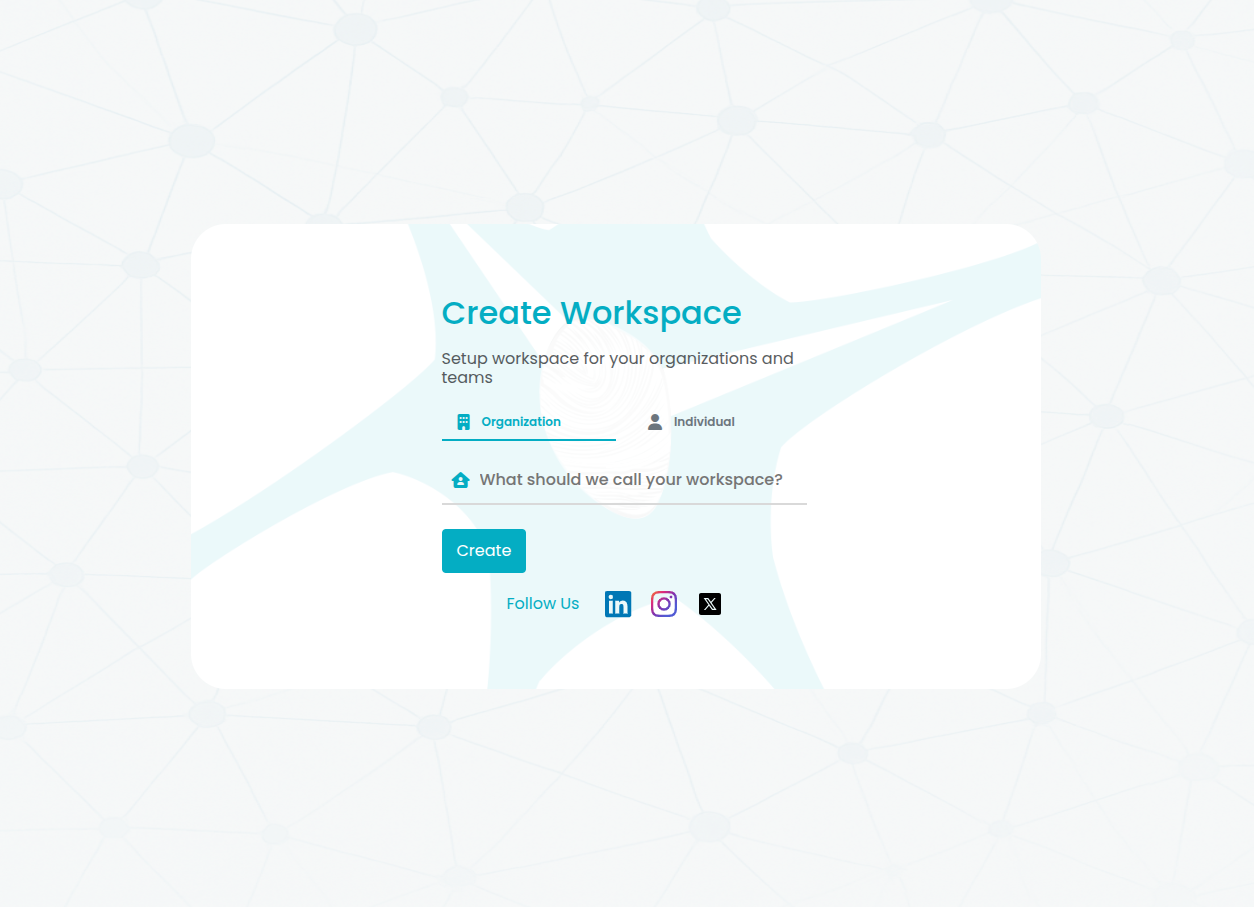
Create a workspace
- Create your first Project under the workspace.
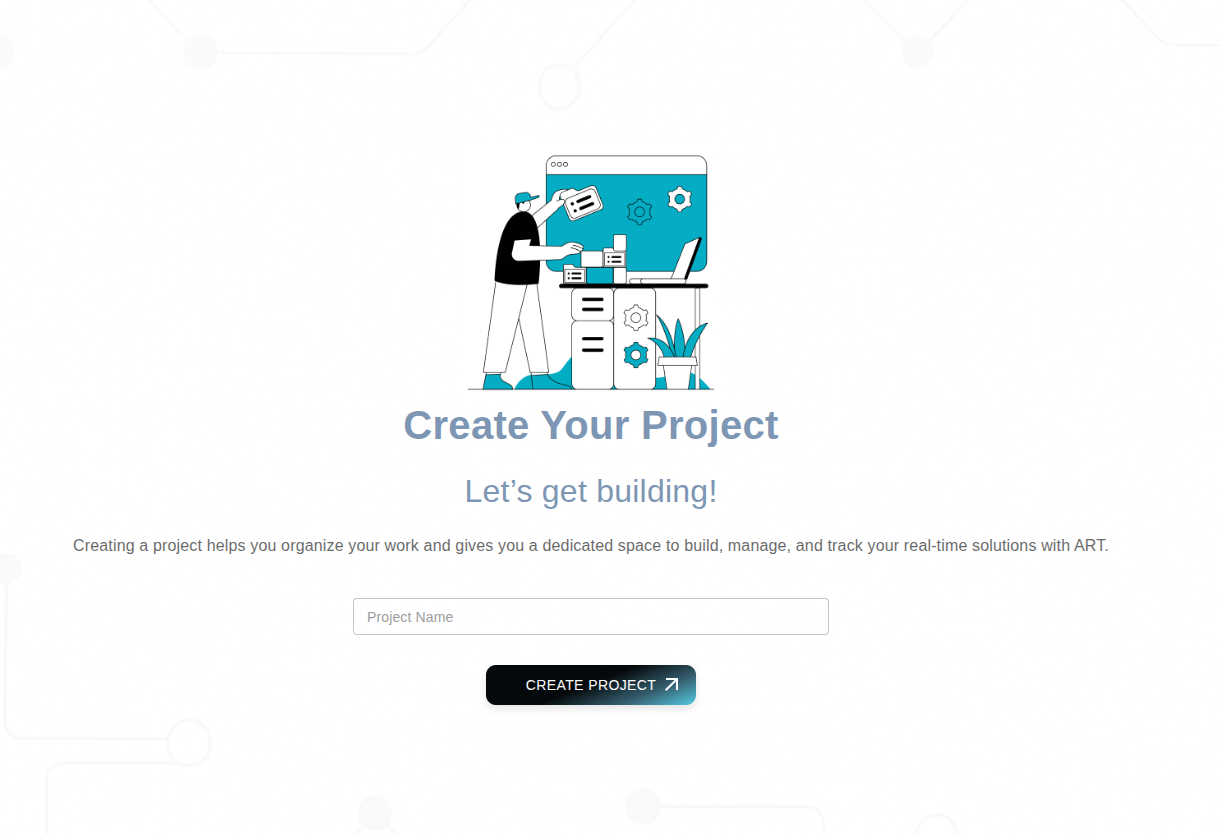
Create a project
- Once you complete the registration process, you'll be able to log in to your ART account and access the ART admin console.
The ART admin console is your central hub for managing your projects, configuring settings, and accessing various features and services offered by ART. From the admin console, you can generate your Client Secret Key, which is essential for authenticating and integrating with ART services.
note
You can always create more Projects or switch between them from the admin console. Click here to know more.