Getting Started
Create a New Agent
To create a new agent in Agent Lab:
-
Open Agent Lab and go to Agents.
-
Click Add in the top-right corner.
-
In the Add Agent dialog, enter the following details:
-
Enter a Title and Description for your agent.
- The Title helps you identify the agent in the list.
- The Description explains the purpose and functionality of the agent.
-
Click ADD to create the agent.
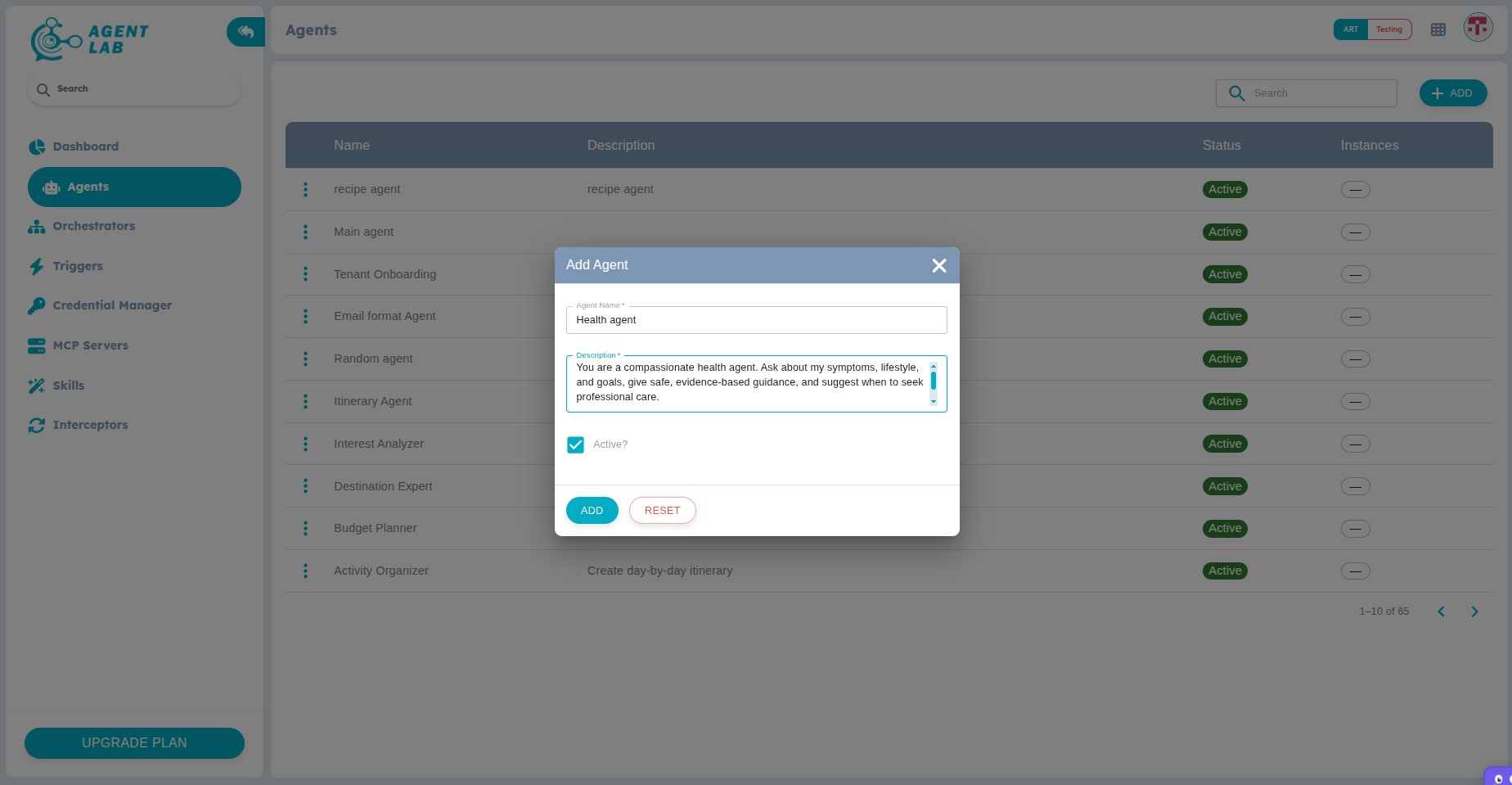
Figure 1: Create agent
After the agent is created, Agent Lab opens the agent workspace automatically. The Workflow tab is loaded by default, and an Agent node is added to the canvas.
- An agent marked as Active is available for testing and execution.
- Inactive agents are saved but will not run.
Workflow Overview
The Workflow is the main workspace where you design and configure your agent. You build workflows by adding nodes and connecting them visually.
- The Node Library is available on the left side.
- Nodes can be Dragged from the library onto the Flowboard.
- Connections between nodes define how data and logic flow through the agent.
Agent Node (Core Node)
Every agent starts with an Agent node, which is added automatically when the agent is created.
The Agent node acts as the central controller of the workflow. Other nodes connect to the Agent node to define the model, prompt, tools, output structure, media handling, orchestration, and other runtime behavior. You can configure the Agent node to define settings such as description, safety limits, skill usage, and knowledge base access.
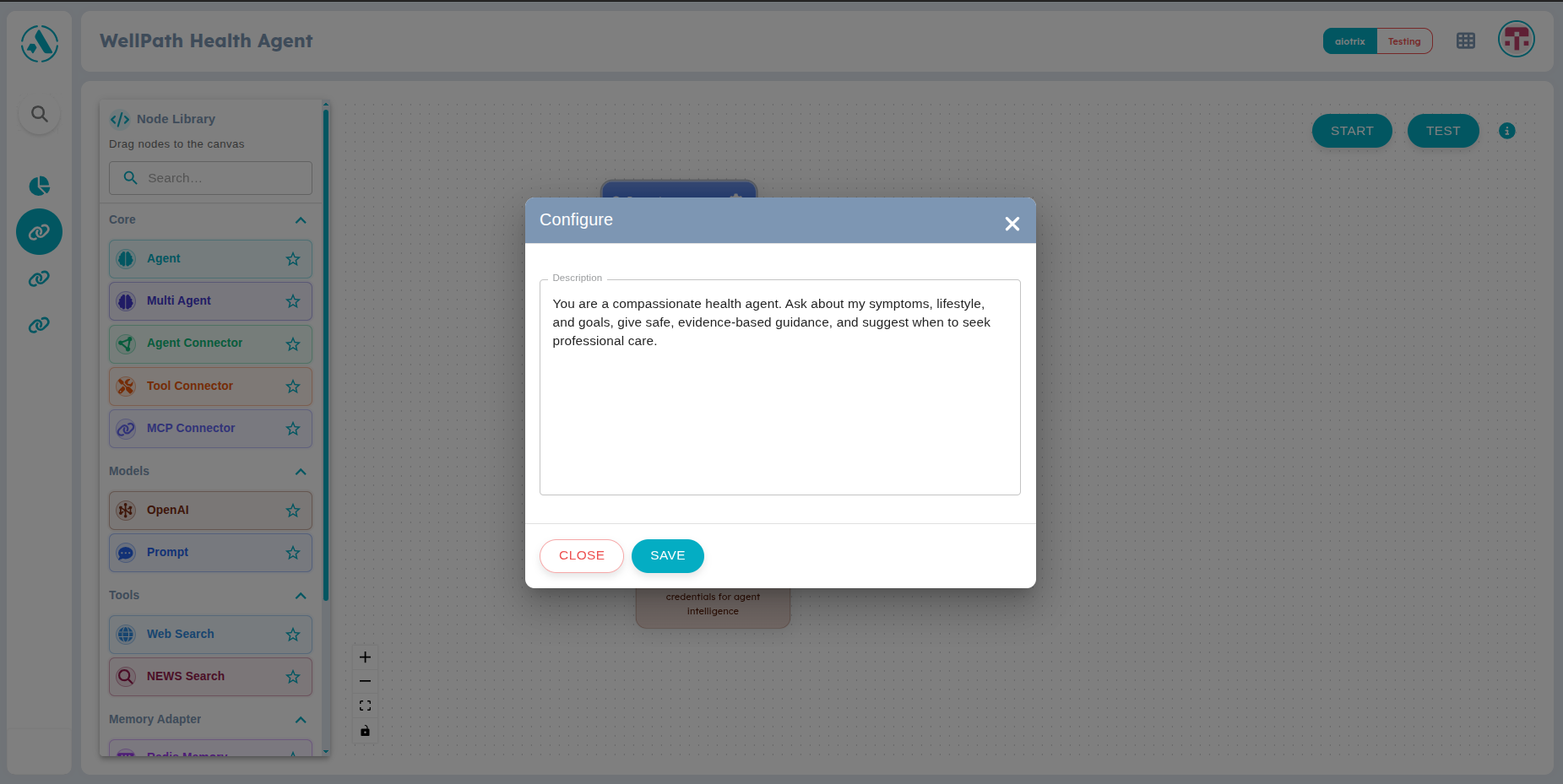
Figure 2: Flowboard
The Agent can connect to:
Together, these configurations determine how the agent behaves.
Node-Based Architecture
Agent Lab follows a node-based architecture, where each node performs a specific responsibility and works independently. This makes agent workflows easier to build, debug, update, and scale. The same structure can be used for simple agents, tool-using agents, multi-agent workflows, and governed business execution.
- Clear separation of logic
- Easy debugging and updates
- Reusable agent designs
- Scalable workflows
This approach allows you to build both simple agents and complex systems with the same structure.